Emacs Packages
General Reference
Package Manager(s)
- GNU ELPA (i think this is included by default?)
- MELPA (i'm using this)
- Marmalade (i'm not using this)
Instructions on Package Managers:
There is also a use-package which is a macro that helps manage packages:
- GitHub - jwiegley/use-package: A use-package declaration for simplifying your .emacs
Keybindings
- Major Mode Hydra
- God Mode (bound to
F12)
File Explorer
Window Management
Ido
ido-use-virtual-buffers
ido-grid-mode
Emacs Packages I have Installed
use-package
- GitHub - jwiegley/use-package: A use-package declaration for simplifying your .emacs
- MELPA - use-package
bind-key
- dependency of
use-package - MELPA - bind-key
which-key
neotree
all-the-icons
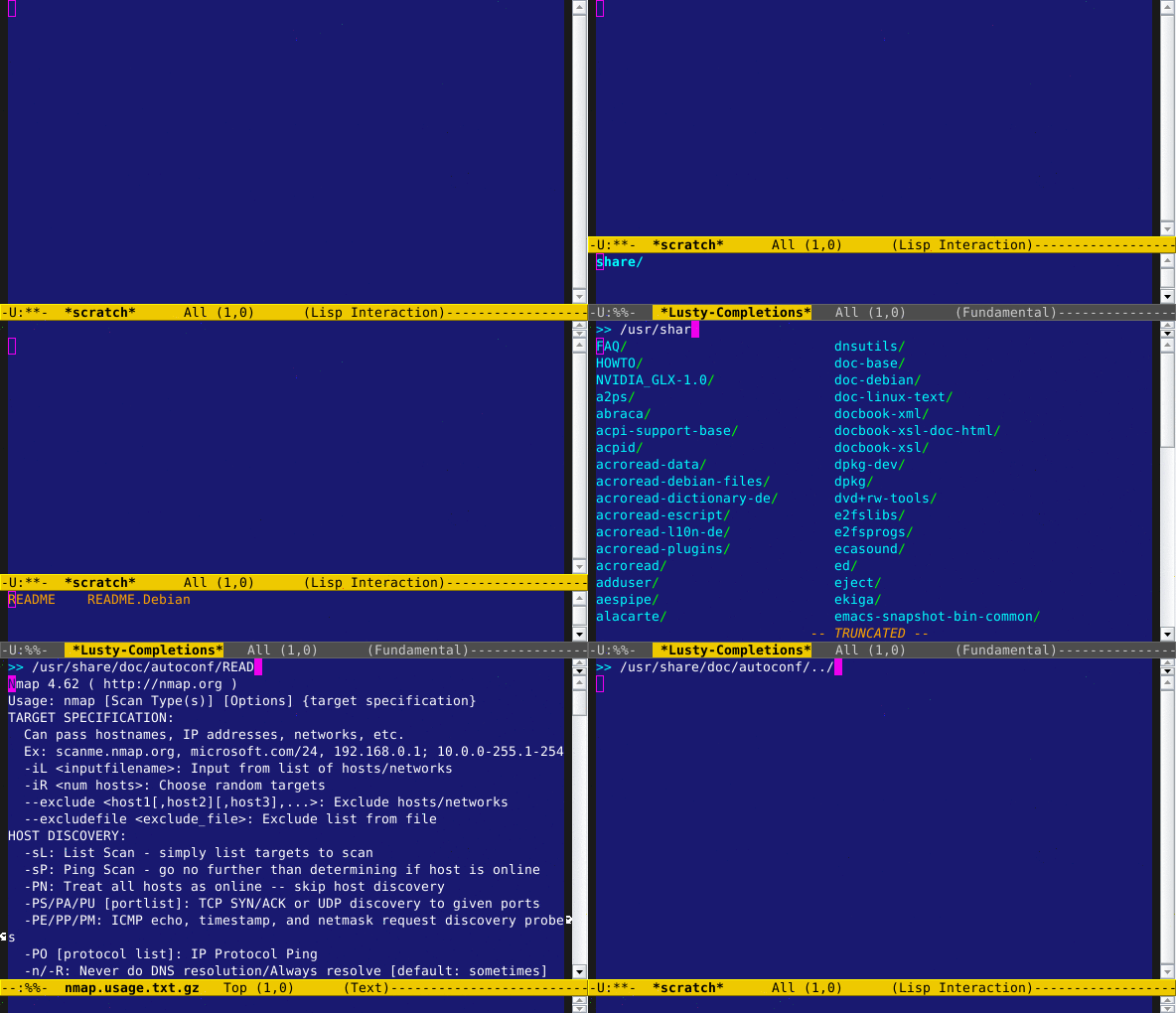
lusty explorer
ivy, counsel, and swiper
- GitHub - abo-abo/swiper: Ivy - a generic completion frontend for Emacs, Swiper - isearch with an overview, and more. Oh, man!
- Ivy User Manual
awesome tab
dimmer
focus
hydra
rainbow delimiters
all the icons ivy
ivy rich
Package-Specific Notes
NeoTree
| KEY | RESULT |
|---|---|
n |
next line |
p |
previous line |
SPC or RET or TAB |
Open current item if it is a file. Fold/Unfold current item if it is a directory. |
U |
Go up a directory |
g |
Refresh |
A |
Maximize/Minimize the NeoTree Window |
H |
Toggle display hidden files |
O |
Recursively open a directory |
C-c C-n |
Create a file or create a directory if filename ends with a ‘/’ |
C-c C-d |
Delete a file or a directory. |
C-c C-r |
Rename a file or a directory. |
C-c C-c |
Change the root directory. |
C-c C-p |
Copy a file or a directory. |
all-the-icons
- This is used by NeoTree to display better 'icons' (using font glyphs)
- after installation/first run, need to install the fonts:
M-x all-the-icons-install-fonts
Lusty Explorer
Launch the explorer with one of these commands:
M-x lusty-file-explorerM-x lusty-buffer-explorer
Note: I bound the shortcut C-c l to launch lusty-file-explorer
Hydra
GitHub - abo-abo/hydra: make Emacs bindings that stick around